Muse Voice speech to text is organized around a complete transcription job: bring in recorded media, choose settings that match it, generate timed text, resolve mistakes, and create an output for the next person or system. This guide explains those stages and the limits that still require human review.
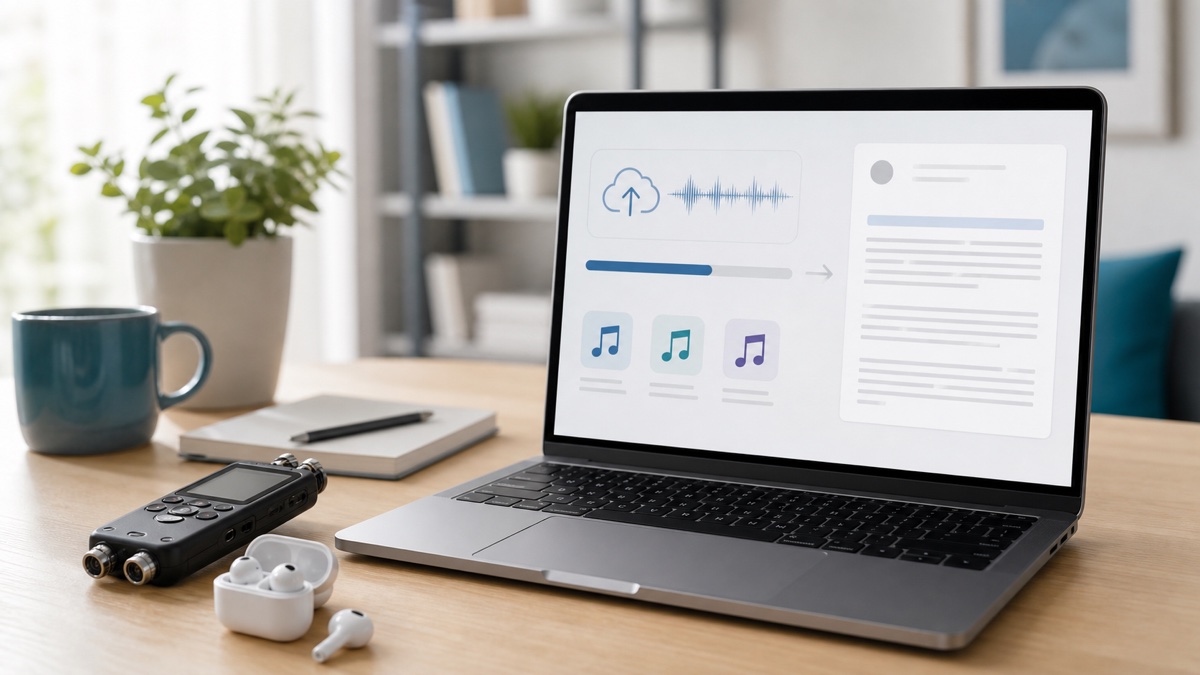
The Muse Voice workspace accepts uploaded audio or video up to 1 GB, a new browser recording, or a supported hosted-media URL. It can detect or use a selected language, separate speakers, and export the edited result as TXT, DOCX, PDF, SRT, VTT, or JSON.
Define the deliverable first
A meeting record, published interview, subtitle file, and research archive do not need the same review. Decide who will use the text, which mistakes would matter, whether attribution is required, and which format the destination accepts.
That decision sets the review depth. Show notes may tolerate light cleanup; a direct quotation must be confirmed against audio. Captions need timing and readable cues. Structured processing may require consistent labels and segment boundaries.
Choose a representative source
Upload works for a local file. Browser recording handles a new capture without a separate recorder. URL import avoids downloading and re-uploading supported media that already has a direct hosted address.
Use the clearest original copy available. For a long recording, run a sample containing normal speakers, terminology, and room conditions. Do not judge an entire job using only a polished introduction.
Configure language and speakers
Choose the expected spoken language when known, or use automatic detection. Recordings that switch languages, begin with non-speech audio, or contain many unfamiliar names deserve closer inspection regardless of the setting.
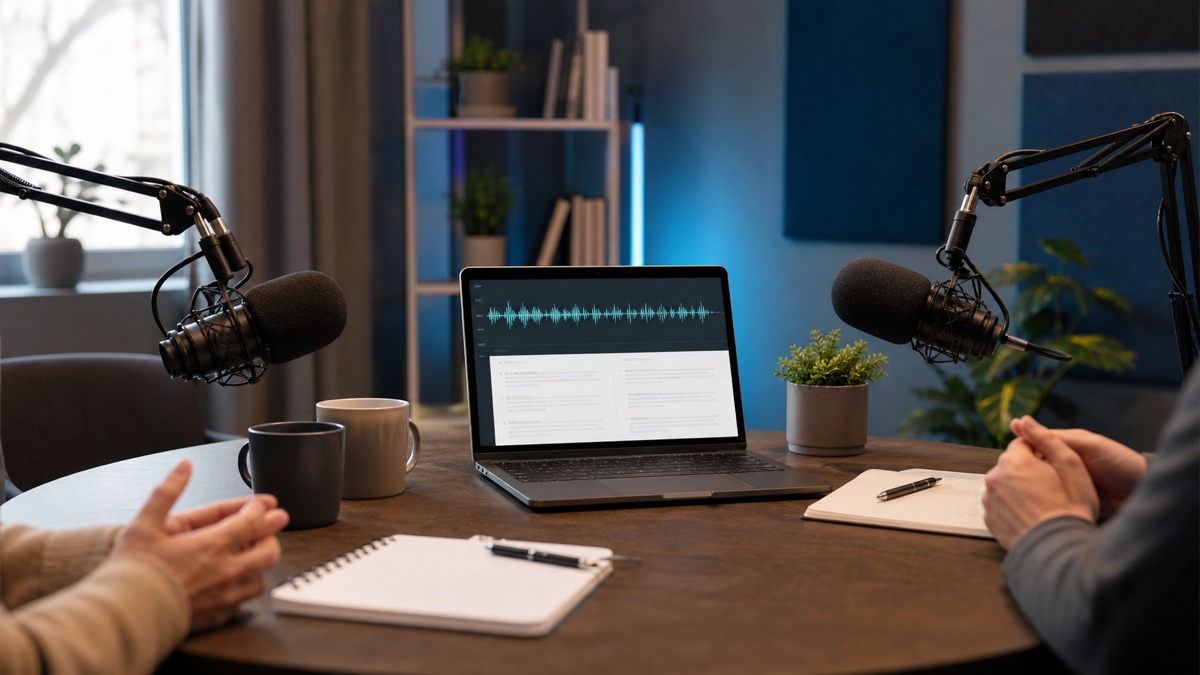
Enable speaker separation when attribution has operational value. Interviews, meetings, and calls benefit from distinct voices; solo narration may not. Confirm several segments before replacing a generic label with a person's name.
Generate a draft, then question it
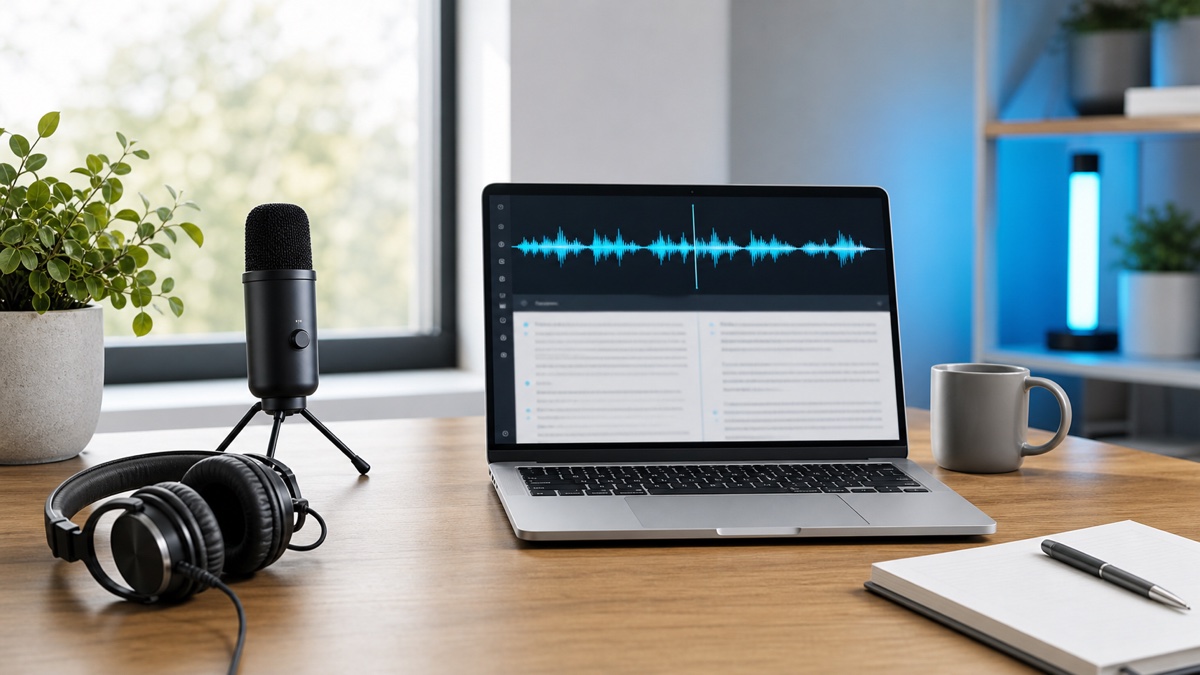
Automatic recognition creates a first version without manual typing from a blank page. It can still be wrong. OpenAI's speech to text documentation provides model-category background, while the Muse Voice editor is where users resolve a particular recording.
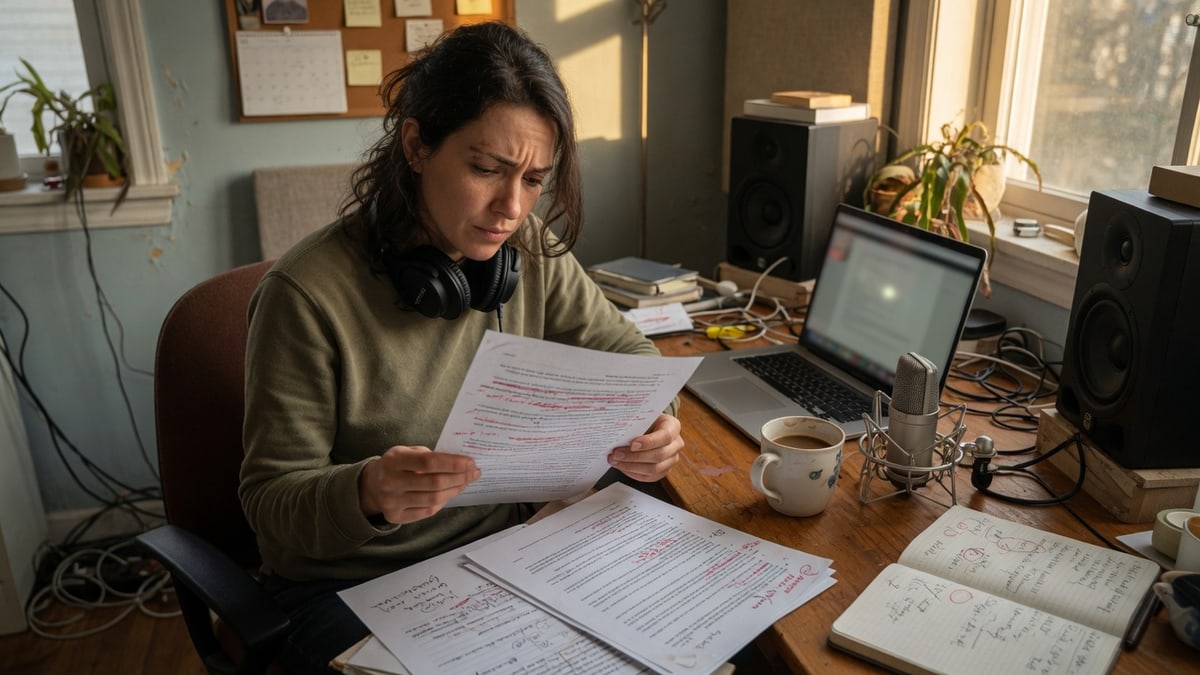
Review in risk order. Check names, numbers, negations, specialist vocabulary, and claims someone may quote or act on. Then inspect speaker changes and uncertain passages from their timestamps. Finally normalize punctuation and paragraphs without changing the speaker's meaning.
Search is part of verification. List expected terms before processing and find each one afterward. If a term is absent, recognition may have rendered a common-sounding alternative. Replay disputed wording instead of correcting it from context; if the audio remains unclear, preserve that uncertainty.
Export for the next workflow
TXT is a lightweight writing handoff. DOCX provides a familiar editable document, and PDF gives readers a stable layout. SRT and VTT preserve cue timing for captions. The MDN WebVTT guide explains the web-focused timed-text format. JSON supports systems that need structured transcript data.
Muse Voice creates each format from the edited transcript. Review first so the same approved wording reaches every destination.
Apply a use-case-specific checklist
For meetings, verify speakers, decisions, owners, deadlines, and unresolved objections. Keep the full transcript as context, but create the action list separately.
For interviews and research, confirm attribution and replay every selected quotation. Follow consent, confidentiality, and retention requirements; automatic transcription does not replace them.
For podcasts and video, check guest names, brands, and topic vocabulary. Test SRT or VTT against the final edit after correcting the text.
For lectures and training, preserve definitions and examples, then add study notes separately. Material affecting assessment, policy, or safety needs suitable subject review.
Understand the boundary
Muse Voice transcribes, organizes, edits, and exports recorded speech. It does not guarantee every automatic word, decide whether you may record or publish, or provide professional validation of consequential material. Users remain responsible for the source, consent, review, and downstream use.
The value of Muse Voice speech to text is the connected path from source to reviewable output. Use the workspace for the mechanical draft, but let the purpose and risk of the recording determine when the transcript is finished.
FAQ
Does Muse Voice accept video as well as audio?
Yes. Compatible audio or video can be uploaded up to the stated 1 GB job limit, and supported hosted-media URLs or browser recordings provide other starting points.
Which export keeps caption timing?
SRT and VTT are the timed-text choices. TXT, DOCX, and PDF suit reading or editing, while JSON supports structured downstream work.
Must automatic output be reviewed?
Yes whenever wording, attribution, or downstream action matters. Timestamps and search help reviewers return to the source instead of treating a fluent draft as verified fact.