When you transcribe audio to text online, the useful outcome is not the fastest unreviewed block of prose. Muse Voice speech to text is designed to produce text suited to the next job: a searchable interview, meeting record, caption draft, editable document, or structured set of timed segments. That turns one upload into four decisions—source, settings, review, and output.
Start with the best available source
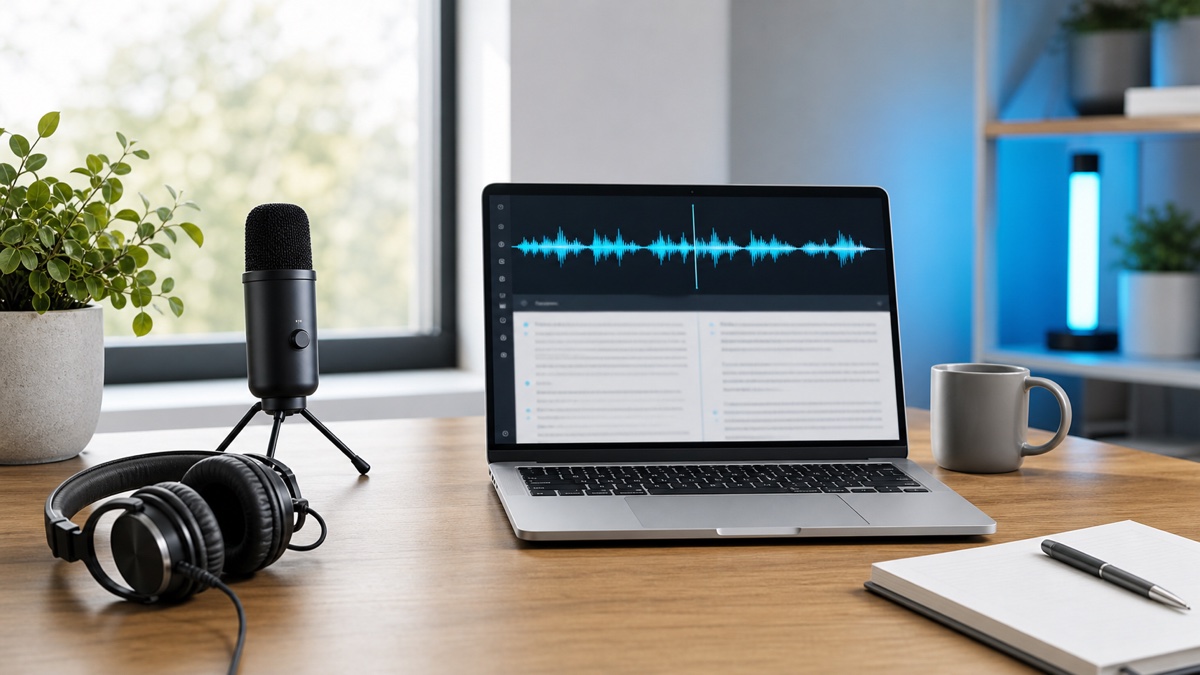
Locate the original recording rather than a copy compressed by a messaging service. If several devices captured the session, choose the track with voices closest to the microphone and the least overlap. Keep a short section with typical conditions for a trial run before processing the whole file.
Listen for long silence, music over speech, distant questions, clipping, and several people talking at once. Trimming silence may simplify review, but avoid processing that removes words or changes the source you may need for verification.
Match the input method to the recording
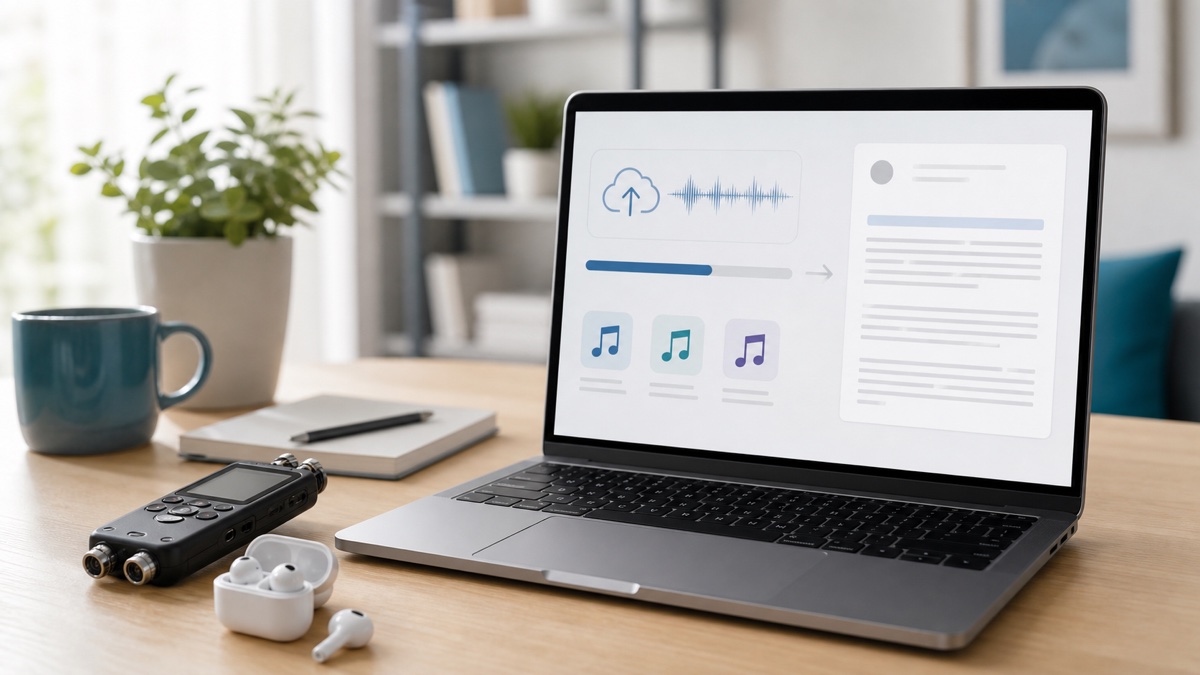
At the Muse Voice speech to text workspace, upload an existing audio or video file up to 1 GB. Use browser recording when the source is happening now, or a supported media URL when a direct hosted file already exists.
Do not convert a compatible video merely to extract audio. Keeping the original avoids an extra processing step and preserves the timing relationship if you later create subtitles.
Configure around known uncertainty
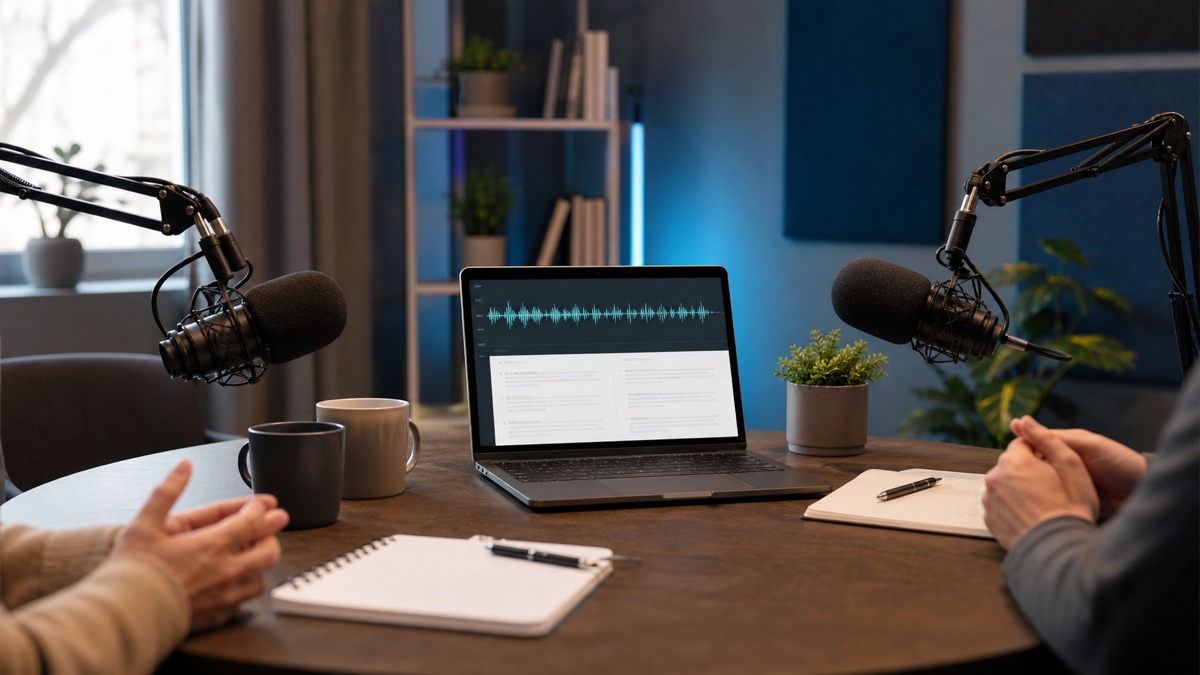
Select the expected spoken language or let the workspace detect it. For short clips, code-switching, or an unusual accent, setting the known language removes one preliminary guess. Enable speaker separation for meetings and interviews where attribution changes the value of the result.
Before submitting a long recording, list the items that deserve deliberate checking: participant names, organizations, acronyms, technical vocabulary, dates, currency amounts, measurements, and negations. That list becomes your review plan.
Review in risk order
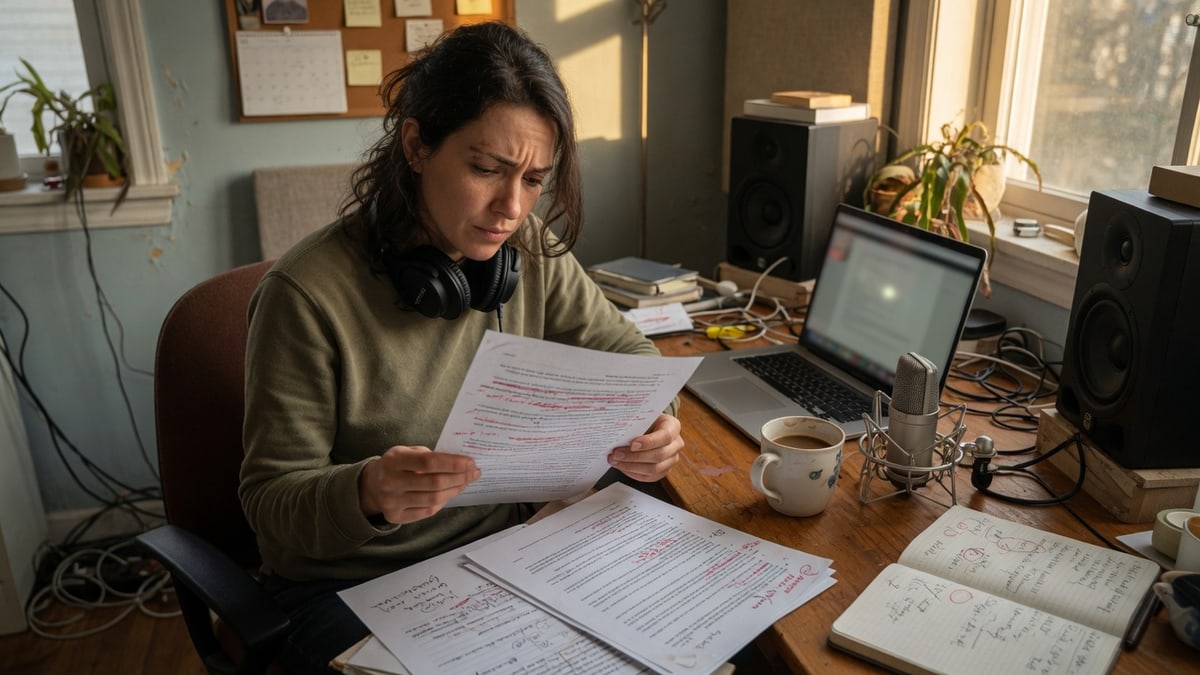
Begin with statements that could cause harm or confusion if wrong. Search for names and numbers, inspect speaker changes, and replay timed segments where a sentence sounds fluent but does not fit the conversation. Automatic systems can produce plausible wording from unclear sound.
Next, fix consistency. Rename speakers, standardize repeated terminology, and decide how to represent filler words. A published quotation should be checked directly against the audio; legal, medical, financial, or safety material needs the appropriate human oversight.
Only then improve presentation. Add paragraphs where topics change, preserve meaningful interruptions, and avoid rewriting the speaker's intent. If the transcript will become an article or summary, keep the source transcript separate from the adaptation.
Pick an output for the recipient
Use TXT when another editor needs plain copy, DOCX for a formatted writing handoff, and PDF for a stable reading version. Choose SRT or VTT when timing drives captions. The W3C resource on captions and transcripts explains their accessibility role. Use JSON when software needs segment text, speakers, or timestamps.
Muse Voice generates these formats from the edited transcript. Make corrections first so you do not repeat the same fix in several downstream files.
Adapt review to the use case
For a meeting, prioritize decisions, owners, deadlines, and disputed wording. For an interview, confirm attribution and every quotation selected for publication. For a podcast, verify guest names and terminology before creating show notes or captions. For research, preserve participant meaning and follow the consent and data-handling rules that govern the project.
The raw transcript can support each task, but it should not silently become the final artifact. Every audience needs its own level of cleanup and context.
Troubleshoot weak results systematically
If a sample is poor, determine whether the source or configuration is responsible. Confirm the correct file and language, listen for clipping or low volume, and check for overlap. Test a clearer passage before running the full job again.
Never “correct” an inaudible phrase by inventing what seems likely. Mark it for review, locate another recording if available, or leave uncertainty visible to the final decision-maker.
Online transcription saves the mechanical first pass. The real gain comes from reviewing once and exporting the same approved version for every destination. Use Muse Voice to keep the source, timed draft, corrections, and handoff connected.
FAQ
Which audio copy should I transcribe?
Use the clearest original recording available. A compressed forwarded copy can hide speech details that remain present in the source file.
Do I need speaker separation for every job?
No. It is most useful when attribution matters, such as a meeting or interview. A solo recording may not benefit from the extra labels.
When is the transcript finished?
It is finished when the wording required by the use case has been checked, uncertainty is documented, and the chosen export is ready for its recipient. Consequential material needs appropriate human approval.