The most effective Muse Voice accuracy tips begin before transcription. A model can only infer from the sound it receives, so microphone distance, overlapping voices, noise, language choice, and unfamiliar terms shape the draft. A disciplined review then determines whether that draft is safe to quote, publish, or store as a record.
Muse Voice uses OpenAI Whisper for recognition; OpenAI's speech to text documentation describes the wider model category. The advice here focuses on a controllable workflow rather than promising a universal accuracy percentage.
Improve the signal first
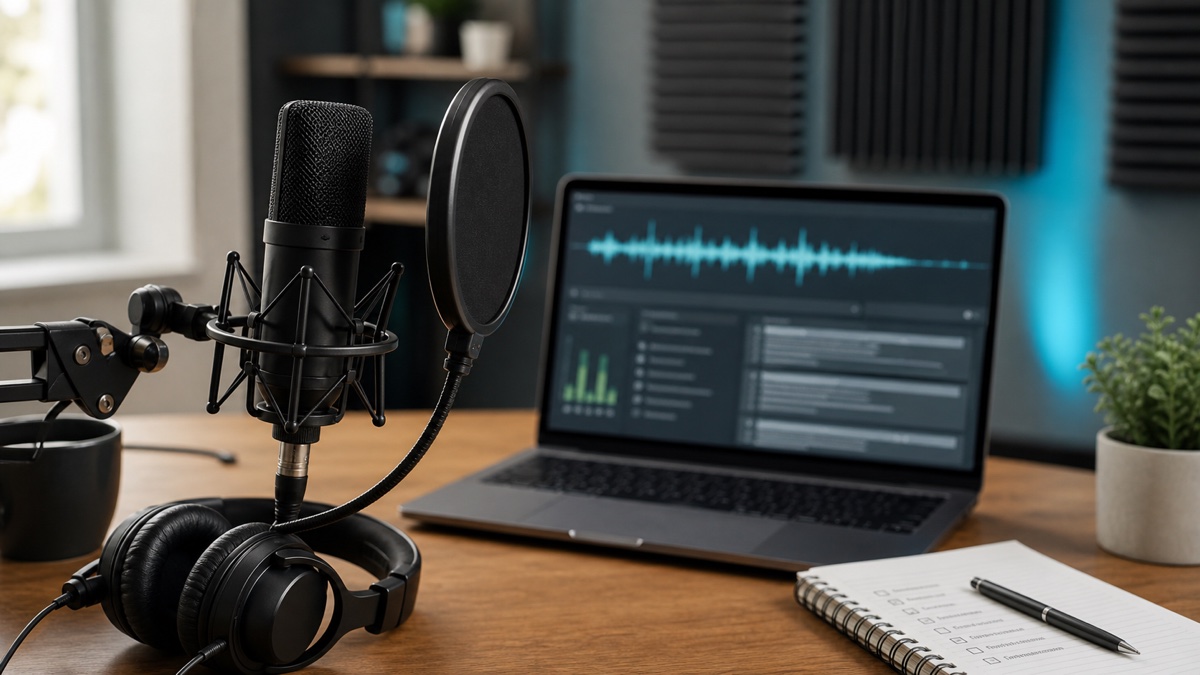
Move the microphone closer to the people who matter. For an online call, prefer the platform's source recording to sound recaptured through external speakers. In a room, test whether every participant can be heard at a comparable level.
Listen to a short sample through headphones. Check for clipping, a fan masking consonants, music under dialogue, and one person who is much quieter. A small correction before the session can prevent a long editing pass.
Ask participants not to overlap when stating names, figures, or decisions. Crosstalk can affect both word recognition and speaker attribution.
Preserve the original media
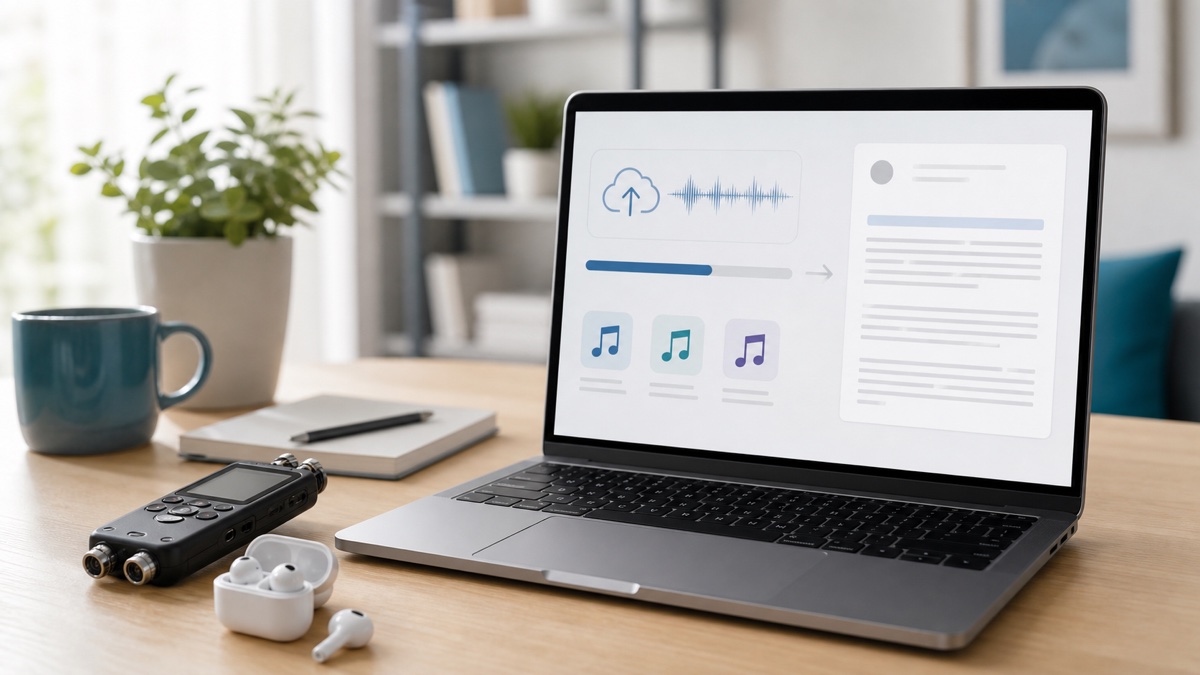
Use the best uncompressed copy available. Files shared through chat applications may be recompressed, while aggressive noise reduction can distort speech along with unwanted sound. Retain the untouched recording so uncertain passages can be verified later.
For a long source, process a representative sample first. Include ordinary speakers, vocabulary, and room conditions instead of selecting only the clearest opening.
Select language deliberately
Automatic detection helps when the source language is unknown. If you know it, selecting the language removes a preliminary guess—particularly useful for short clips or files beginning with silence, music, or borrowed words.
Code-switching needs closer review. Proper nouns can resemble words in another language, and a brief passage may not supply enough context. Do not assume one language setting resolves a genuinely multilingual conversation.
Use speaker separation where attribution matters
Enable speaker separation for interviews, research sessions, support calls, and decision-making meetings. Listen across multiple turns before assigning a real identity to the generated speaker label.
Pay special attention to interruptions and fast exchanges. Diarization helps organize voices but cannot resolve every overlap. If attribution is consequential, replay the audio and keep uncertainty visible rather than assigning a speaker by intuition.
Build a targeted review list
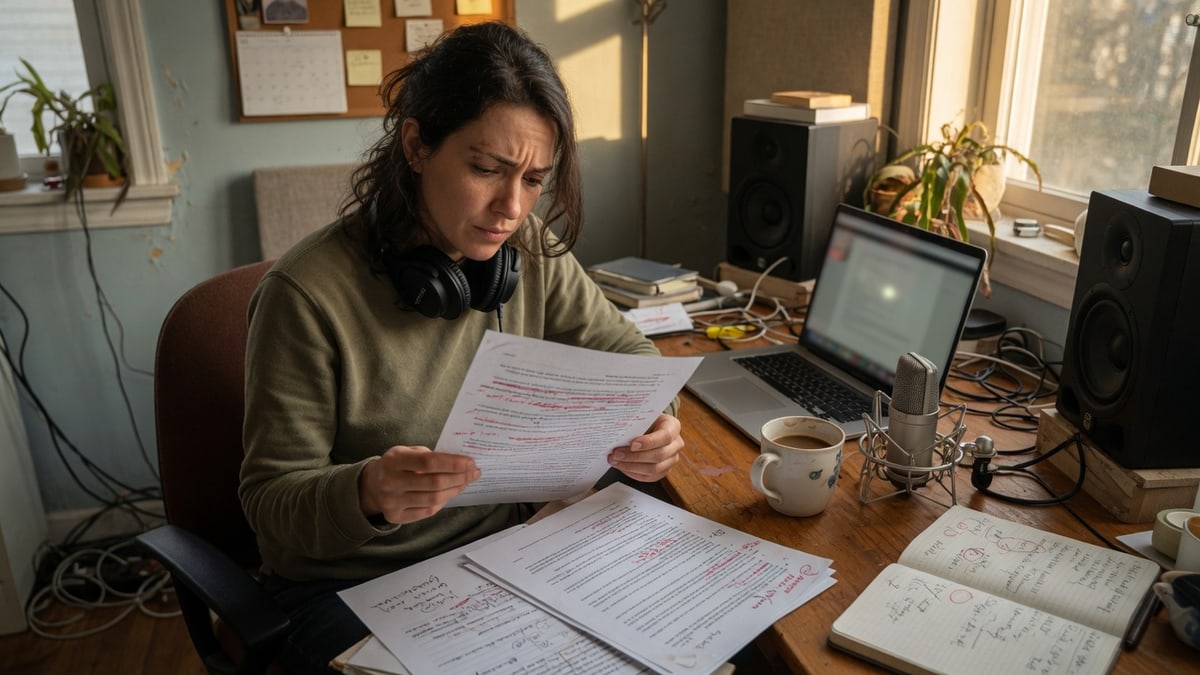
Before opening the transcript, note participant names, companies, product vocabulary, acronyms, places, dates, currency values, measurements, and negative constructions such as “did not.” Search for each item in the result.
Then inspect low-context fragments and sentences that sound polished but make little sense in the conversation. Fluency is not proof of fidelity. Timestamps let you compare a questionable phrase with the source instead of rewriting from memory.
Separate correction from adaptation
The first editing pass should preserve what was said. Fix recognition, punctuation, paragraphs, and labels without changing the claim. Create summaries, show notes, action lists, or article prose in a separate artifact so the source transcript remains auditable.
This boundary matters most for quotations and formal records. Verify publishable quotes word for word, and apply suitable professional review to medical, legal, financial, safety, and personnel content.
Approve before exporting
In the Muse Voice speech to text workspace, corrections feed TXT, DOCX, PDF, SRT, VTT, and JSON exports. Finishing review first prevents a name from being corrected differently in a document and a caption file.
For SRT or VTT, add a playback check. Timing and line breaks may still need attention when all recognized words are correct.
Cleaner speech to text comes from controlling what you can and documenting what you cannot. Start with a representative sample in Muse Voice, measure the review effort, and use that evidence before processing the full source.
FAQ
Is there one accuracy percentage for every recording?
No. Results vary with source quality, language, vocabulary, speaker overlap, and the exact review standard. Test representative material instead of relying on a universal figure.
Should I use automatic language detection?
Use it when the source language is unknown. If you know the language, setting it removes one guess; multilingual recordings still require careful review.
What should I check first?
Prioritize speaker identity, names, numbers, negations, and consequential claims. Presentation edits can wait until those higher-risk details have been compared with the audio.