To generate captions and subtitles that viewers can follow, treat automatic speech to text as the timed first draft. Muse Voice supports that draft stage; the publishing work happens next: confirm the words, decide how much context the audience needs, shape readable lines, and test the file against the final edit.
The W3C overview of captions and transcripts explains their accessibility role. In production terms, a transcript is a readable record, while a caption or subtitle file tells a player which text to show at a particular time.
Decide what the viewer needs
Captions generally represent dialogue and relevant non-speech information for people who may not hear the source. Subtitles may reproduce or translate dialogue for viewers who can hear but need language support. Teams often use the terms loosely, so define the deliverable before editing.
Ask whether the file needs sound cues such as [door closes], whether it is same-language text or a translation, and whether the platform expects a timed file, a separate transcript, or both. Those answers determine what belongs in the output.
Lock the media cut before timing
Use the final audio or video whenever possible. Removing an introduction, moving a scene, or inserting a pause after transcription changes later timestamps. If editorial work is still underway, label the caption file as a draft and expect to regenerate or retime it.
For a long program, test one representative section first. Include a speaker change, a difficult name, and typical background sound. A short trial reveals problems before you review the full runtime.
Create and verify the timed draft
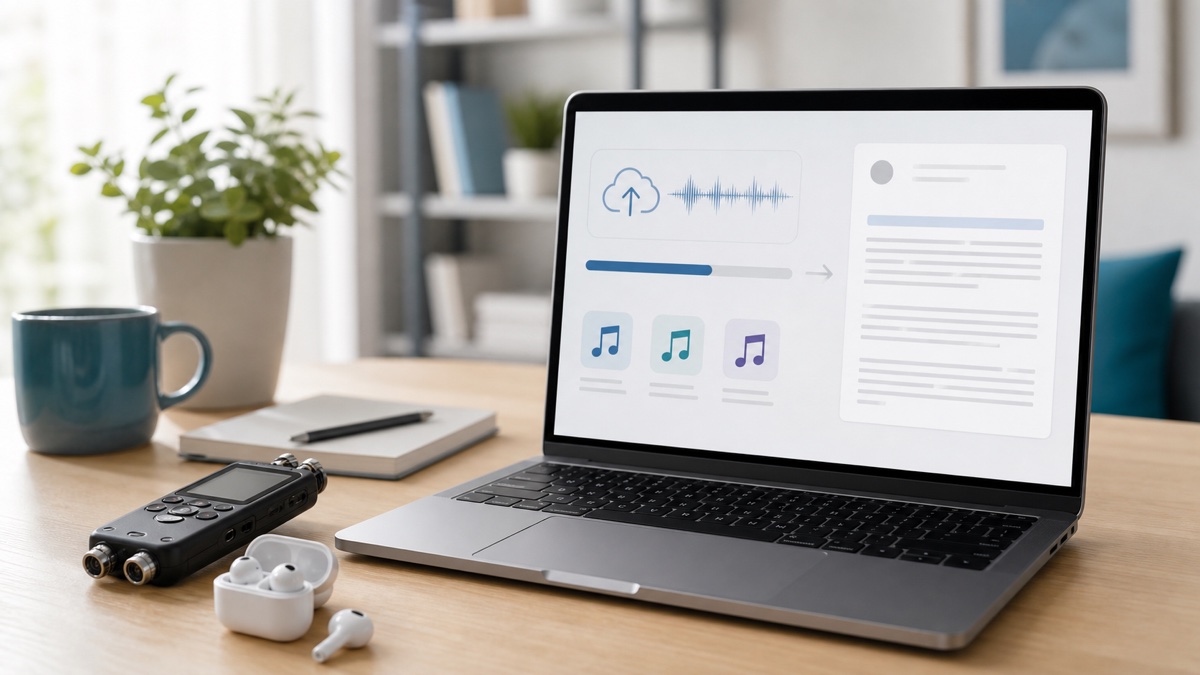
Open the Muse Voice speech to text workspace and choose the input that matches the source: upload the final file, record in the browser, or use a supported direct media URL. Select or detect the spoken language, and enable speaker separation when changes of voice will matter.
After processing, do not export immediately. Search for proper nouns, product terms, numbers, negations, and repeated phrases that recognition systems may render incorrectly. Use timestamps to replay ambiguous sections instead of guessing from context.
Run the first review for meaning. Preserve a speaker's intent rather than polishing the statement into something they did not say. For legal, medical, financial, or safety material, the appropriate qualified person should approve consequential wording.
Shape readable caption units
Accurate words can still produce poor captions when lines split at unnatural points. Keep phrases together, avoid leaving a short article or preposition at the end of a line, and allow enough display time for the audience to read without racing the dialogue.
Decide whether speaker names or sound cues provide information the viewer cannot infer. A visible interview may not need a label on every change; an off-screen question might. Do not force every filler sound into a publishing file unless the content requires a verbatim record, and do not remove hesitation when it changes meaning.
Choose SRT or VTT for the destination
SRT is widely accepted and uses numbered cues with start and end times. WebVTT is designed for web media and can carry timed cues; the MDN WebVTT reference describes the format and browser APIs.
Choose what the publishing system requests. Export SRT or VTT from the reviewed transcript, and retain TXT, DOCX, or PDF if editors need a continuous reading copy. JSON is suitable when another system requires structured segments and timing.
Test the actual playback
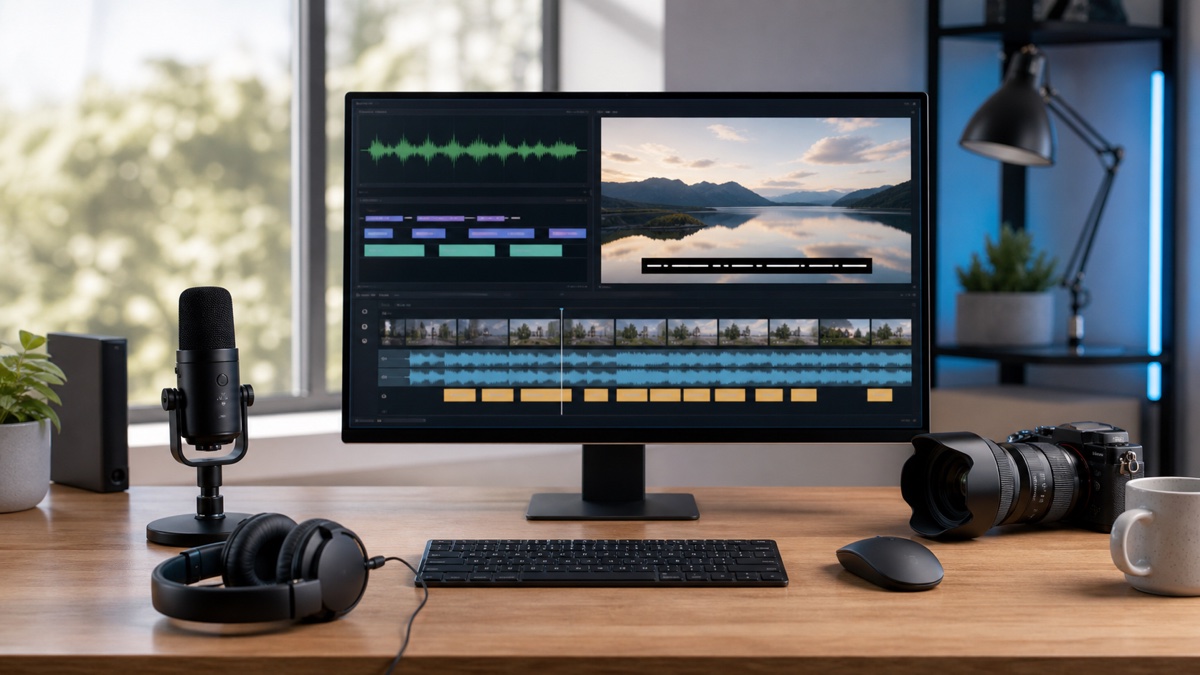
Load the file into the destination player or editing application. Watch the opening, cuts, fast exchanges, long pauses, and closing. Confirm that cues do not arrive late, linger into silence, obscure important visuals, or lose punctuation and line breaks after upload.
The efficient workflow is not “generate and publish.” It is “generate, verify, format, and watch.” Start the timed draft in Muse Voice, but approve it only after the captions survive a real playback test.
FAQ
Should captions be created before or after video editing?
Use the final cut whenever possible. Structural edits change cue timing, so captions made from a rough version usually need regeneration or manual retiming.
Is an accurate transcript already a caption file?
No. Captions combine reviewed wording with timed cues and readable line breaks. They may also require speaker context or meaningful non-speech sounds.
Which format should I export?
Choose the format requested by the destination. SRT is widely supported, while VTT is common for web-media workflows. Test either file in the actual player before publication.